

Before you start
- Add the server as a custom MCP: Studio → Apps → Add custom MCP. See How do I add an app that isn’t in the list?
- The server address must be a public
https://URL with no username, password, query parameters or#fragment. Move any key in the URL to the app’s sign-in instead. - You need to be able to manage the app. For a personal app, it must be yours.
Suggest it
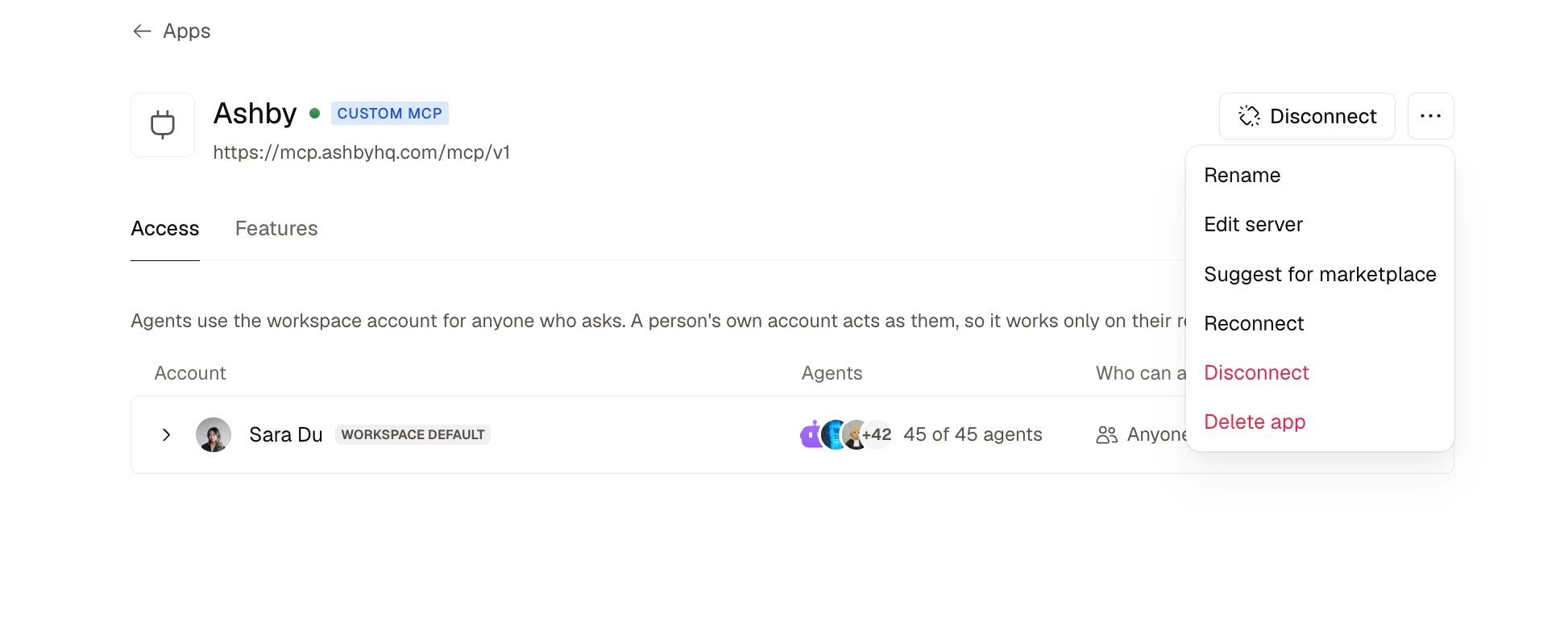
- In Studio → Apps, open the custom app’s page.
- Select ⋯ next to Disconnect, then Suggest for marketplace.
- Optionally add a note on what your team uses it for.
- Select Send suggestion.
What the Ando team sees
- The app’s name and server address
- How it signs in: OAuth, token or none
- Your name and your workspace
- Your note, if you added one