

Studio
Overview
Workspace tools, apps, automation, and shared context live here.Go
Click Studio in the left rail, or use Cmd/Ctrl+K and type Studio.
Note
Wiki: /studio/wiki. Shared context for the workspace, its channels and its members.
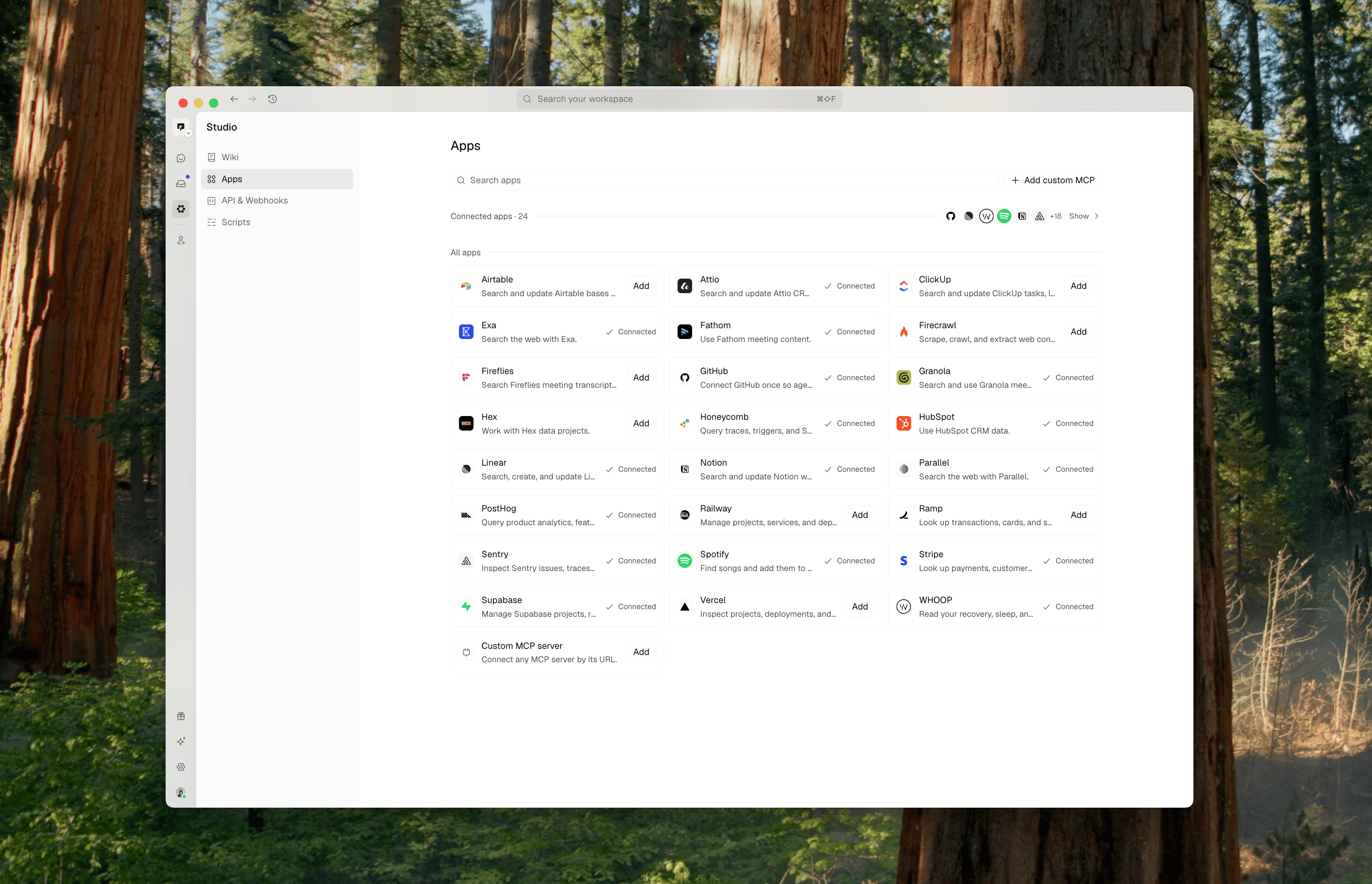
Apps and tools
Apps
Add workspace apps, personal connections, and custom MCP servers.Go
Click Studio in the left rail; it opens on Apps.
Note
Workspace connections are shared; personal connections are yours, and you choose which agents may use them.
API keys and webhooks
Create API keys and incoming or outgoing webhooks.Go
Studio → API & Webhooks
Who
API keys for any member; webhooks for admins
Automations
Scripts
Run approved code from automations.Go
Studio → Scripts
Who
members can view; admins approve and manage
Note
There is no New script button; ask an agent to write one.
Automations
Schedule an agent, message, or script.Go
Click an agent > Automations tab.
Who
full members (not guests); native agents only
Note
Schedules are written in plain language with presets such as Every weekday at 9:00 AM, plus a timezone.